
Features
Everything Alerts Fusion does in SharePoint
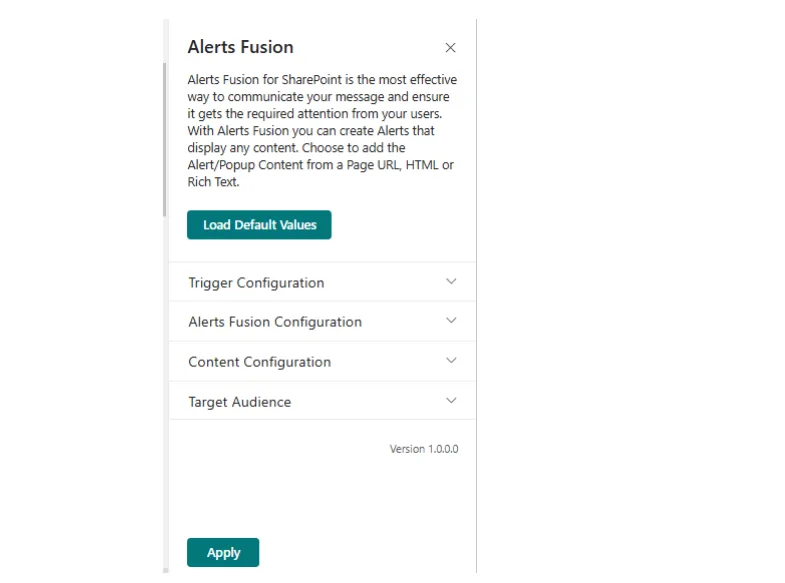
Alerts Fusion is one web part with six alert formats, four content sources, flexible triggers, scheduling, audience targeting and per-person frequency control. Here is every capability in detail.
Alerts Fusion at a glance
| What it is | A no-code SharePoint Framework (SPFx) web part by APPS 365 |
|---|---|
| Works with | Modern pages in SharePoint Online (Microsoft 365) and Microsoft Teams channel tabs |
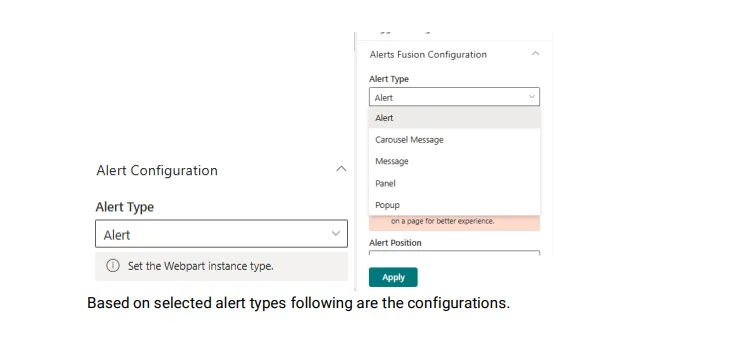
| Alert formats | Banner, message bar, popup, panel, standard alert, carousel message bar |
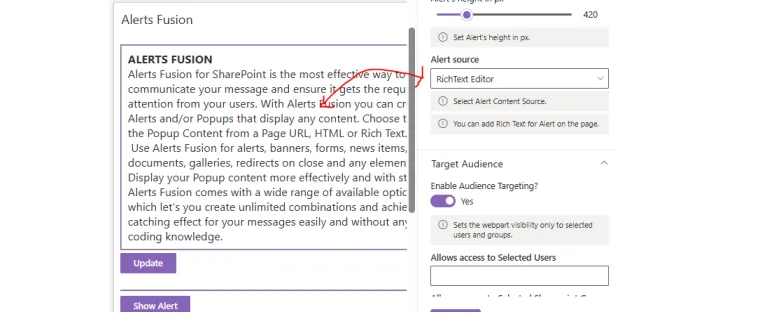
| Content sources | Page URL, SharePoint list, HTML (with optional JS and CSS files), rich text |
| Triggers | Button, link or image; on click, automatically on page load, or after a delay |
| Scheduling | Date and time ranges, auto close, maximum automatic shows per person |
| Audience | Everyone, or selected SharePoint groups and individual users |
| Data | Stored in your own SharePoint sites; nothing stored outside your tenant |
| Trial and pricing | 7-day free trial on one site; licences from £999 a year |
Six formats
The right format for every message
Choose the alert type in the property pane. Every type shares the same content, scheduling and targeting options.
- Banner: a bold strip for headline news.
- Message bar: Info, Success, Blocked, Warning, Severe Warning or Error, with any Fluent UI icon.
- Carousel message bar: sliding text with your own bar and text colours.
- Popup: a focused window with optional overlay, close button and Esc key support.
- Panel: a side panel with a title and adjustable width.
- Standard alert: a compact alert with an optional action button.
Content sources
Show content from where it already lives
- Page URL: show a SharePoint page or other address.
- SharePoint list: pull content from list columns, and follow the dates stored on the list item.
- HTML: your own markup, with optional JavaScript and CSS files.
- Rich text: write formatted content in the built-in editor (the default).
Triggers and scheduling
Open on click, on page load or after a delay
- Button, link or image triggers, or a hidden trigger for automatic alerts.
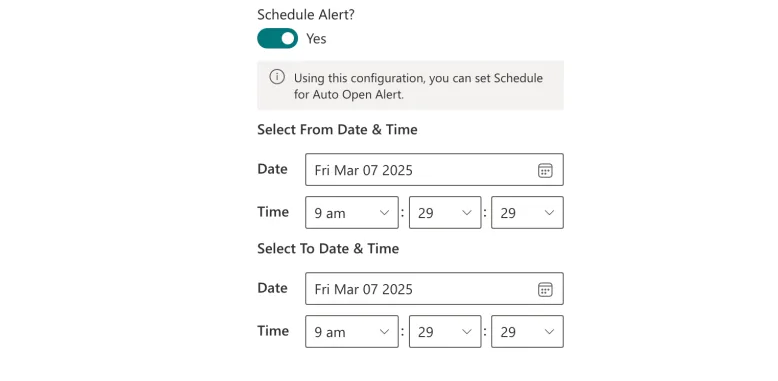
- Schedule automatic alerts, panels and popups between dates and times.
- Delay automatic opening and close alerts after a number of seconds.
- Cap how many times each person sees an automatic alert.
Audience targeting
Reach exactly the right people
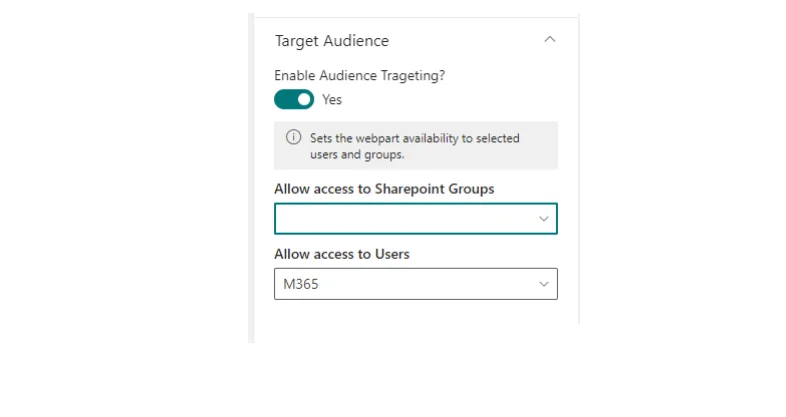
Turn on audience targeting and choose SharePoint groups, individual users or both. Use several web parts on one page to send different messages to different teams.
Look and behaviour
Styles, animations, buttons and redirects
- Positions, open animations and overlay animations.
- Popup sizes up to 1024 by 768 px, or sized in percentages; adjustable panel width.
- Action buttons that link to any page, and redirects when a popup closes.
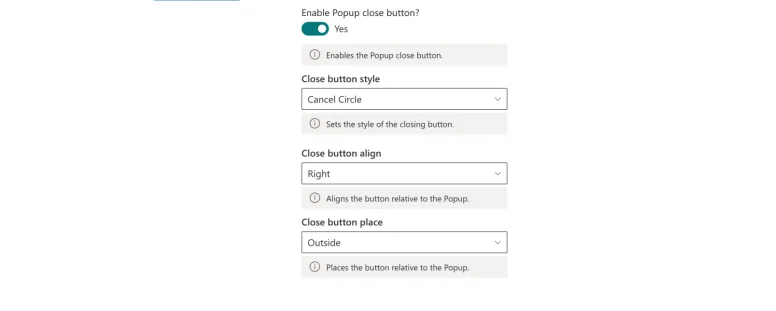
- Close buttons with your choice of style, alignment and placement.
SharePoint and Teams
Native to Microsoft 365
Alerts Fusion is an SPFx web part installed from Microsoft AppSource or your app catalog. It sits on modern pages like any other web part, works as a Teams channel tab, and keeps its settings in your own SharePoint sites.
Alerts Fusion or Power Popups?
Which APPS 365 app fits your need
Both are no-code SharePoint web parts from APPS 365 and both are included in the Productivity Pack.
| You want to | Best fit |
|---|---|
| Broadcast announcements in several formats (banners, message bars, carousels, panels, popups) | Alerts Fusion |
| Show info, warning or error notices for maintenance and outages | Alerts Fusion |
| Run a single high-impact popup or panel with a call to action | Power Popups |
| Get every APPS 365 SharePoint app in one licence | Productivity Pack |